
Compare the same image at one print size
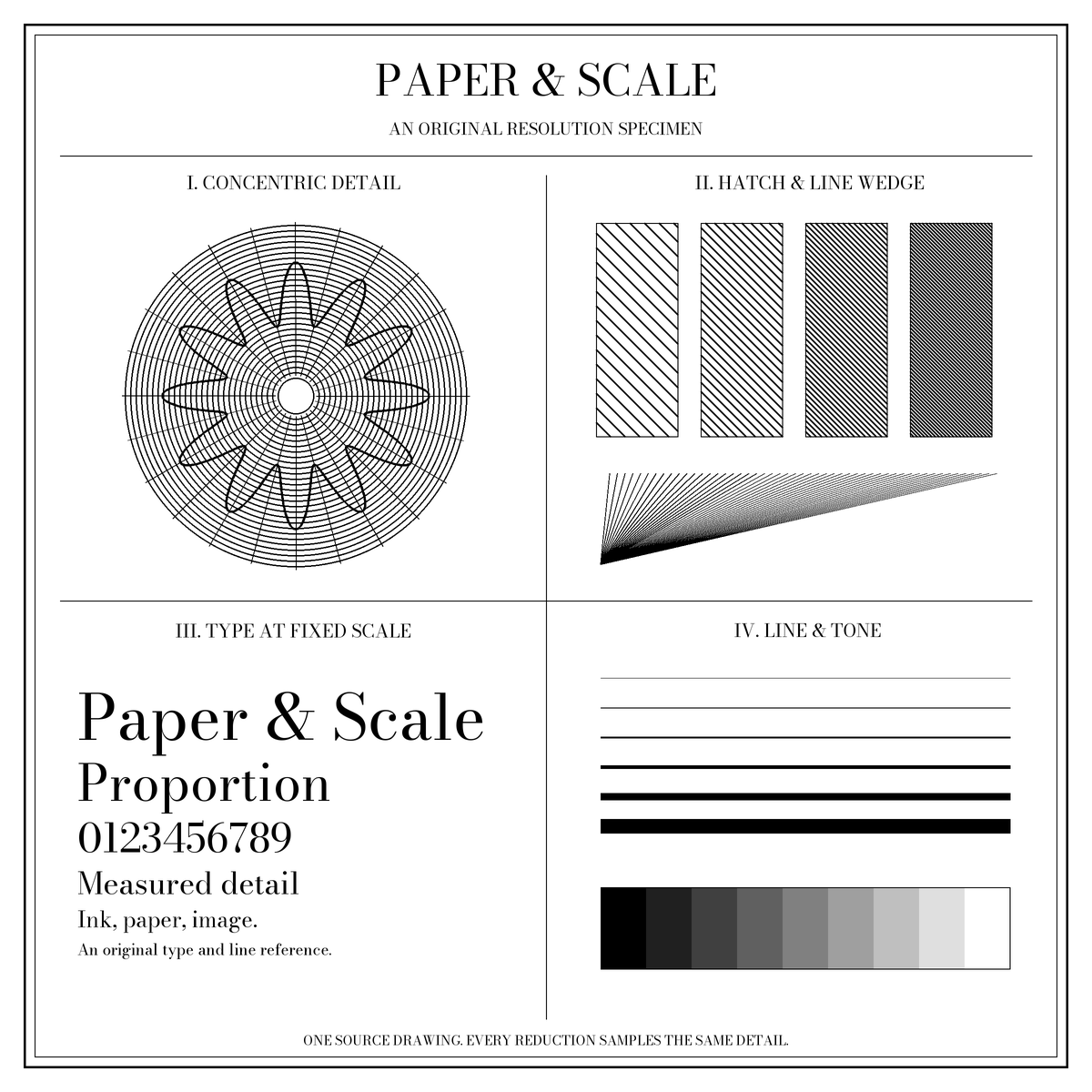
Each sample starts with the same 2400 × 2400 pixel master. It is reduced directly to a different pixel count, rather than made blurry with a display effect. All four files occupy the same 50.8 × 50.8 mm square in the downloadable proof. This holds physical size constant while the number of source pixels changes.
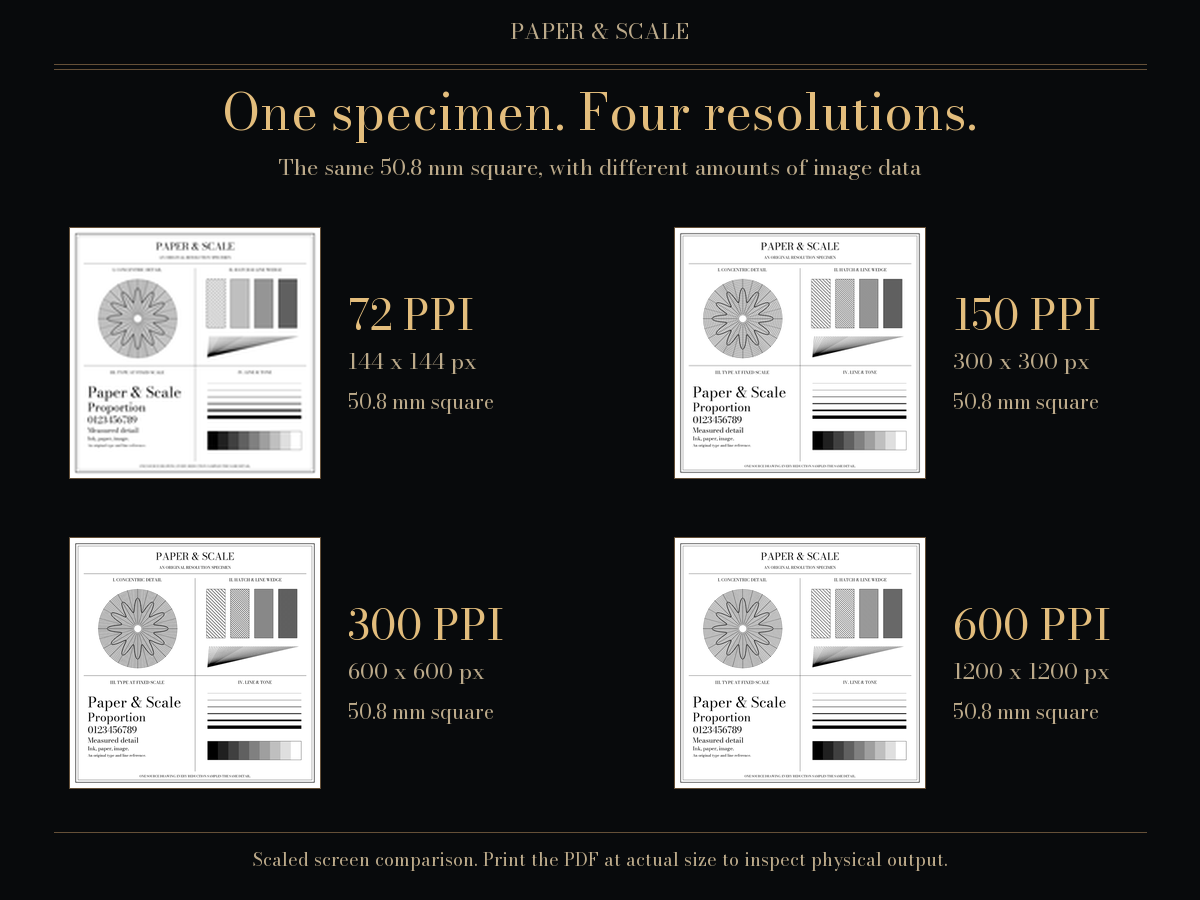
| Image density | Native pixel dimensions | PDF panel dimensions |
|---|---|---|
| 72 PPI | 144 × 144 px | 50.8 × 50.8 mm |
| 150 PPI | 300 × 300 px | 50.8 × 50.8 mm |
| 300 PPI | 600 × 600 px | 50.8 × 50.8 mm |
| 600 PPI | 1200 × 1200 px | 50.8 × 50.8 mm |
The arithmetic is pixels = inches × PPI. Here, 50.8 ÷ 25.4 = 2 inches, so a 300 PPI panel needs 2 × 300 = 600 pixels along each edge. PPI describes image pixels at a chosen physical size; it is separate from the printer's dot resolution.
Inspect the four native-pixel samples
The page gives each image a similar display area. A browser may interpolate its pixels to fit that area, and device pixel density and zoom change what you see. Open a downloaded file in an image editor at 100% to examine individual source pixels; that view still does not establish its physical print size.
72 PPI at 50.8 mm
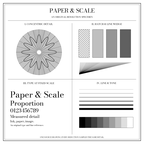
150 PPI at 50.8 mm
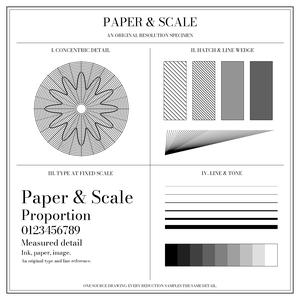
300 PPI at 50.8 mm
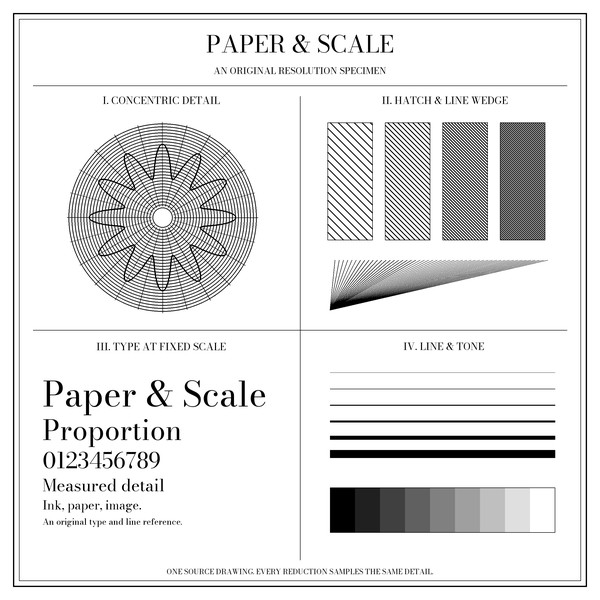
600 PPI at 50.8 mm
Print a measured resolution proof
Choose the file matching the loaded paper. Both proofs contain the same four 50.8 mm panels and a 100 mm reference gauge.
- Open the matching PDF in a viewer with paper-size and scale controls.
- Select Actual size or 100%. Turn off Fit, Shrink and automatic page scaling. Check that the selected stock matches the document.
- Print a single copy and measure the reference gauge between its end marks. It should span 100 mm; each sample square should span 50.8 mm.
- If the measurements differ, resolve the scaling before judging resolution. Use the print calibration reference to compare both axes.
- Compare the panels at the distance from which you expect to view the finished print. Record the printer, paper, viewer and print settings so another test can be compared fairly.
The PDF page and panel dimensions are checked digitally. These files have not been physically tested on your printer. Driver resampling, ink or toner, stock, device resolution and viewing conditions can change the result. A successful ruler measurement confirms size, not colour accuracy or image quality.
How the samples are made
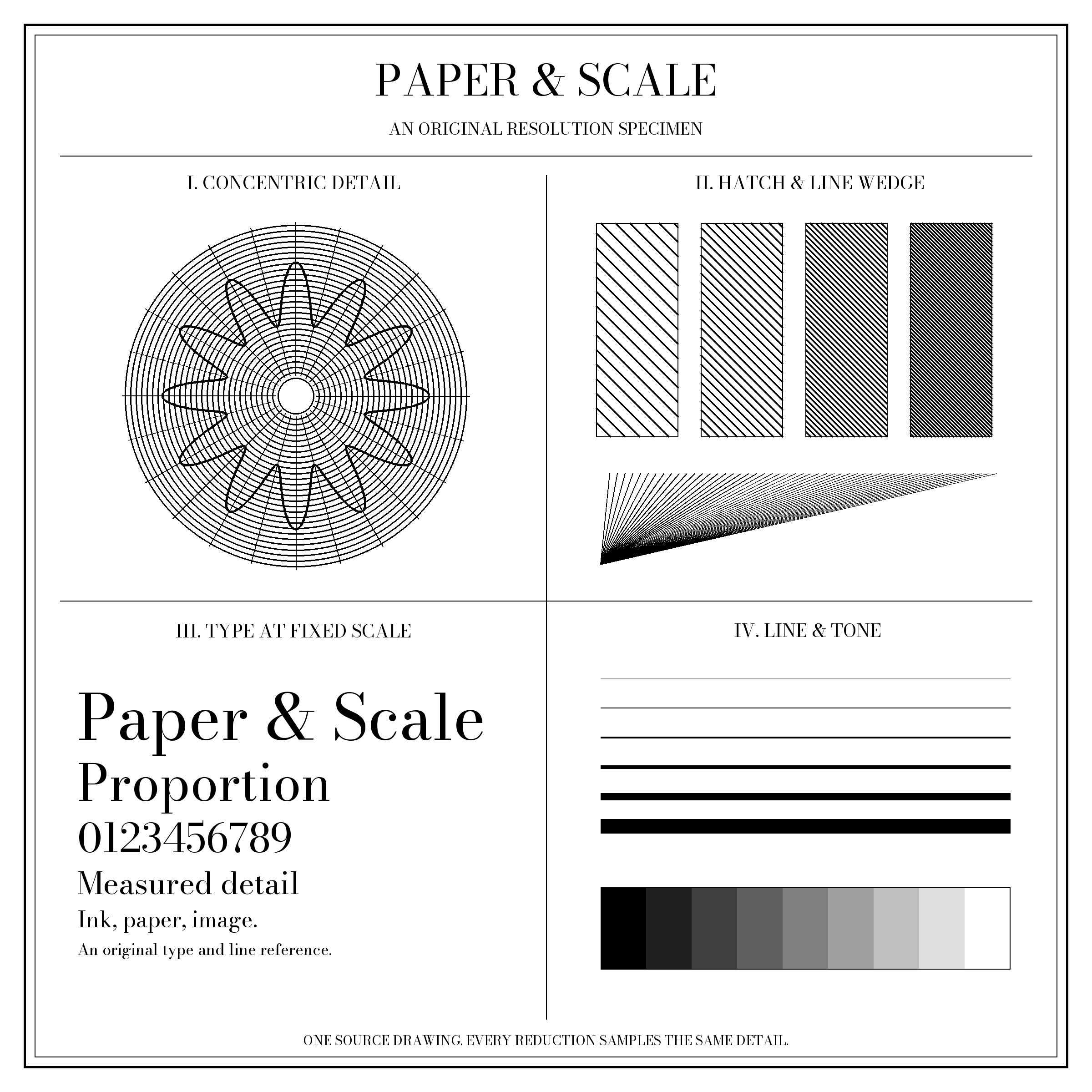
The master is Paper & Scale's original synthetic specimen. It provides repeatable detail rather than evidence from a camera or a tested printing press. Each smaller PNG is a direct Lanczos reduction of the 2400 × 2400 pixel master; no sample is enlarged from a lower-resolution version. The same sampling method is used throughout, with no extra sharpening applied to favour a panel.
Reducing an image discards information and can alter fine patterns. This chart demonstrates this particular source and resampling method. It does not establish that one PPI setting is sufficient for every photograph, line drawing or viewing distance. A 600 PPI file also cannot make a printer reproduce detail that its process cannot resolve.
Pillow's resampling reference describes the Lanczos filter. The provenance record identifies the generator, software versions, source and output fingerprints, and PDF placements.
Apply the distinction to your own image
A PPI number alone does not add detail. If an image stays 600 pixels wide, it spans two inches at 300 PPI or four inches at 150 PPI. Resampling it to more pixels computes new samples; it does not recover everything missing from the original.
Use the image print checker to inspect your image before choosing a print size. If you already know its pixel dimensions, the pixels-to-print calculator shows the physical arithmetic. Keep source pixels, display zoom and physical output as three separate measurements.
Sources and limits
- Adobe's printed image resolution guide explains how pixel dimensions, resolution and print dimensions relate.
- Adobe's PDF page-size instructions explain Actual size, Fit and custom scaling.
- Pillow's filter documentation describes the sampling operation used for these original files.
The sample pixels and proof geometry are our generated reference. They are not a measured review of a printer, a universal sharpness threshold or a colour-management target.