
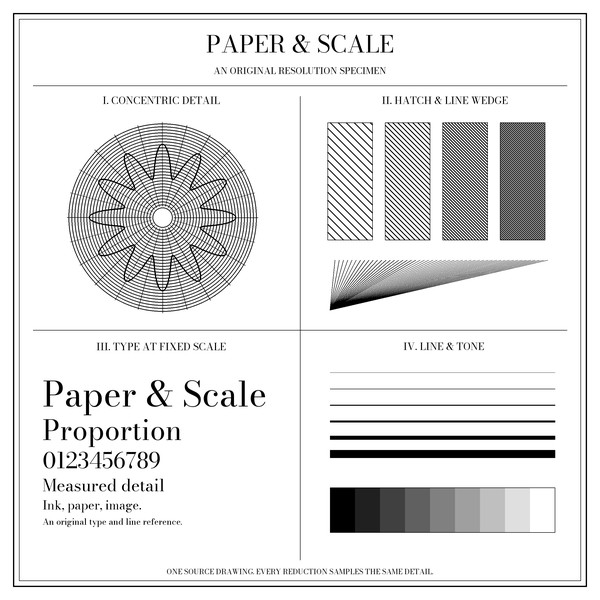
What changes between 150 and 300 PPI?
At an intended size of exactly 2 × 2 inches (50.8 × 50.8 mm), a 300 × 300 pixel raster supplies 150 pixels per inch. A 600 × 600 pixel raster supplies 300. The second has twice as many pixels along each side and four times as many in total.
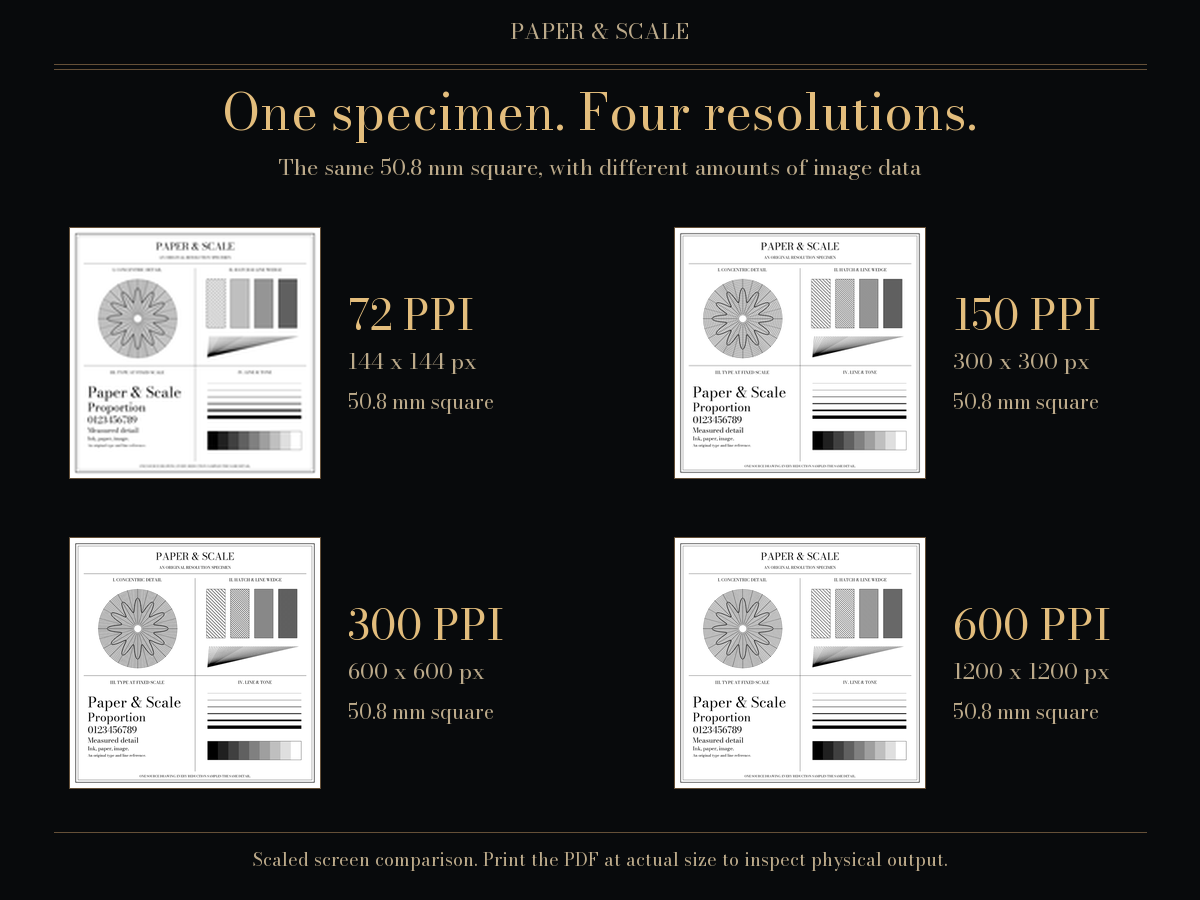
Changing a file’s resolution tag alone does not add detail. Increasing pixel dimensions by resampling also cannot establish that a blurred or heavily compressed original contains the detail of a sharper source. Use this check for geometry, then inspect important image detail and make a measured print when the decision matters.
Fit versus Fill: a worked photo example
Take a 3000 × 2000 pixel landscape photo and request a 6 × 4 inch print (152.4 × 101.6 mm). Its proportions match, so Fit and Fill both give 500 PPI, with no geometric crop or white border.
Change the requested size to 5 × 7 inches (127 × 177.8 mm), keeping the same landscape photo. Fit puts the complete image into a 127 × 84.67 mm area at 600 PPI. Centring leaves approximately 46.57 mm of white space above and below. Fill expands the image to 266.7 × 177.8 mm at approximately 285.71 PPI. The rectangle retains about 1428.57 × 2000 source pixels and removes approximately 785.71 source pixels from each side.
Those fractional pixel values describe an ideal centred boundary. A printing or rasterising application must sample the image onto its output grid. The browser preview uses its own image resampling; this checker does not rewrite or export your photo.
Common photo print sizes in pixels
| Print size | Physical dimensions | 150 PPI | 300 PPI |
|---|---|---|---|
| 4 × 6 inches | 101.6 × 152.4 mm | 600 × 900 px | 1200 × 1800 px |
| 5 × 7 inches | 127 × 177.8 mm | 750 × 1050 px | 1500 × 2100 px |
| 8 × 10 inches | 203.2 × 254 mm | 1200 × 1500 px | 2400 × 3000 px |
| 11 × 14 inches | 279.4 × 355.6 mm | 1650 × 2100 px | 3300 × 4200 px |
| A4 | 210 × 297 mm | 1240 × 1754 px | 2480 × 3508 px |
The numbers describe a raster with the same proportions as the print, before crop, borders or bleed. They are reference densities, not universal quality thresholds. A4 uses nominal millimetre dimensions, so its whole-pixel values are rounded rather than exact minimum requirements.
How the calculations work
For Fit, divide print width by image width and print height by image height, then take the smaller result. For Fill, take the larger result. This gives a uniform scale in millimetres per source pixel. Effective PPI = 25.4 ÷ millimetres per pixel, because an inch is exactly 25.4 mm.
Fit divides any unused width or height equally between opposite white borders. Fill divides the overflow equally between opposite cropped edges. The visible source rectangle is the requested print rectangle divided by the same uniform scale. The calculations use the decoded image orientation, rather than assuming a camera’s stored width always describes the displayed width.
For an image with no chosen frame, use pixels to print size. Read PPI versus printer DPI for the different meanings of image pixels and printer dots. Check actual output scale with the print calibration sheet.
Local processing and source notes
Choose a PNG, JPEG or WebP image up to 20 MiB, 40 million pixels and 16,384 pixels on either side. The image stays in this browser: this checker does not upload or save it, or interpret GPS tags. Unsupported, oversized or unreadable images produce an error instead of a guessed result.
The original comparison specimens illustrate controlled raster density, not measured printer performance. The photo calculations above are geometric worked examples; they are not reports of physical tests. For underlying units and paper dimensions, see the reference dataset.
- Adobe: printed image resolution explains the relationship between pixel dimensions, print size and PPI.